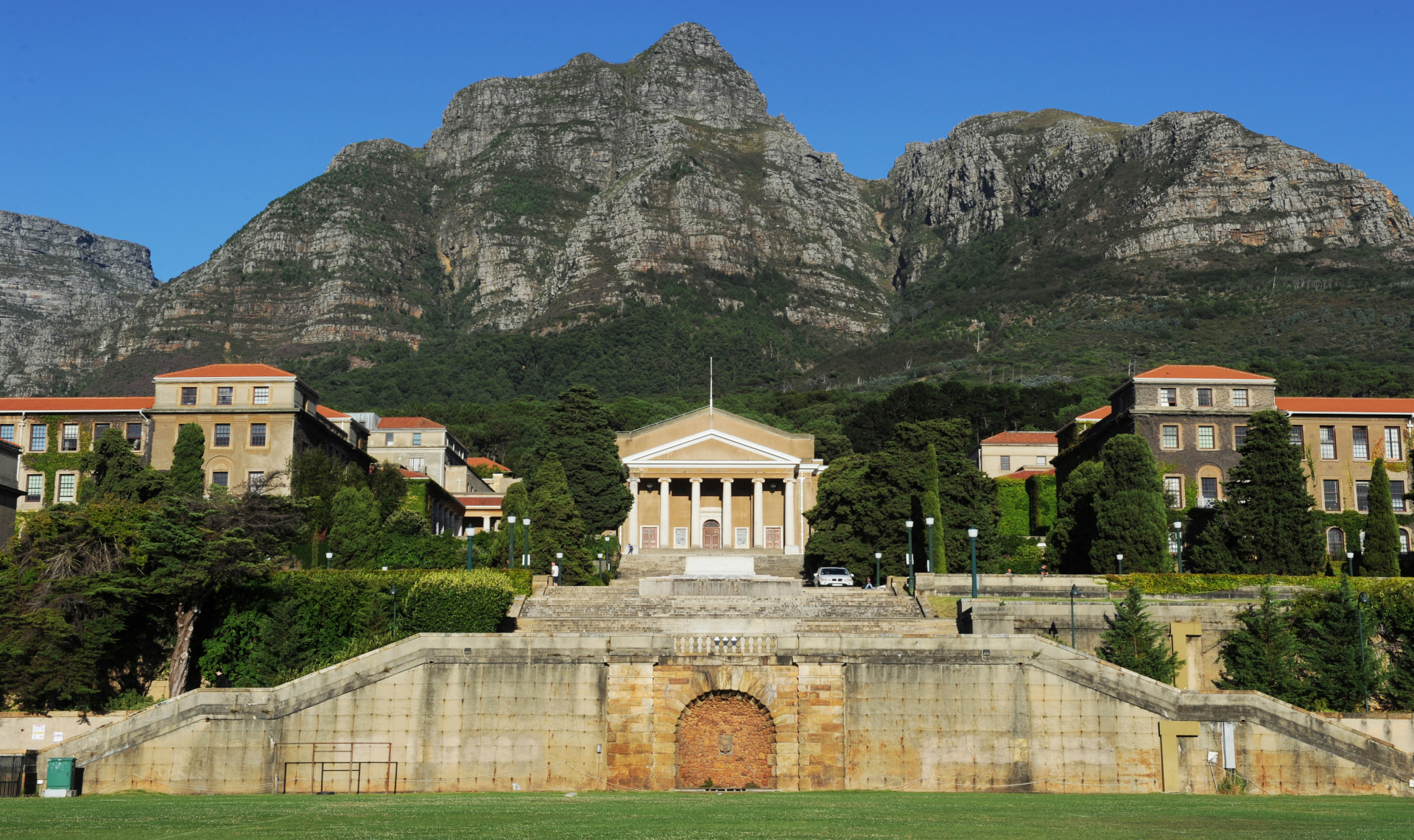

The first image is a great castle image that showcases the beauty of the structure. I want to use it as a hero image, so to make it fill the width of my page, I scaled it in GIMP accordingly.
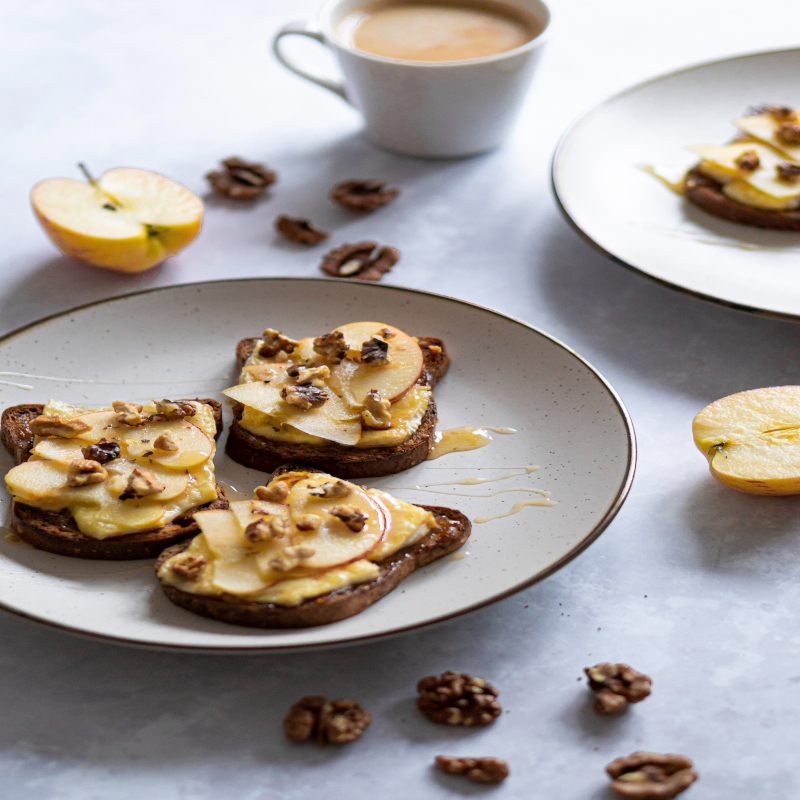
The second image is a great image of toast that I want to use as a banner image for my website. I scaled the image down to fit the width of my page and cropped it to remove some background. I used GIMP to do this and adjusted image quality to reduce file size.
The third image is a great image of a skyscraper that I want to use as a background image for my website. I scaled the image down to fit the width of my page and cropped it to remove some background. I used GIMP to do this and adjusted image quality to reduce file size.
To troubleshoot image optimisation issues, I would first compare visual quality against file size after each export to find the best balance. If an image still loads slowly, I would reduce its dimensions to the exact display size needed on the page and test lower JPEG/WebP quality settings in small steps. I would also verify the correct format is being used (JPEG/WebP for photos, PNG for transparency), then check browser developer tools to confirm the final file size and loading time. Finally, I would preview the image on desktop and mobile to ensure optimisation improves performance without causing visible blur or pixelation.